How to Calculate Profit Margin (and Markup vs Margin)
Margin and markup both describe profit, but they use different bases, and mixing them up is one of the most common pricing mistakes. A profit margin calculator does the maths; here’s how it works.
Quick answer
- Profit = price − cost
- Profit margin = profit ÷ price × 100
- Markup = profit ÷ cost × 100
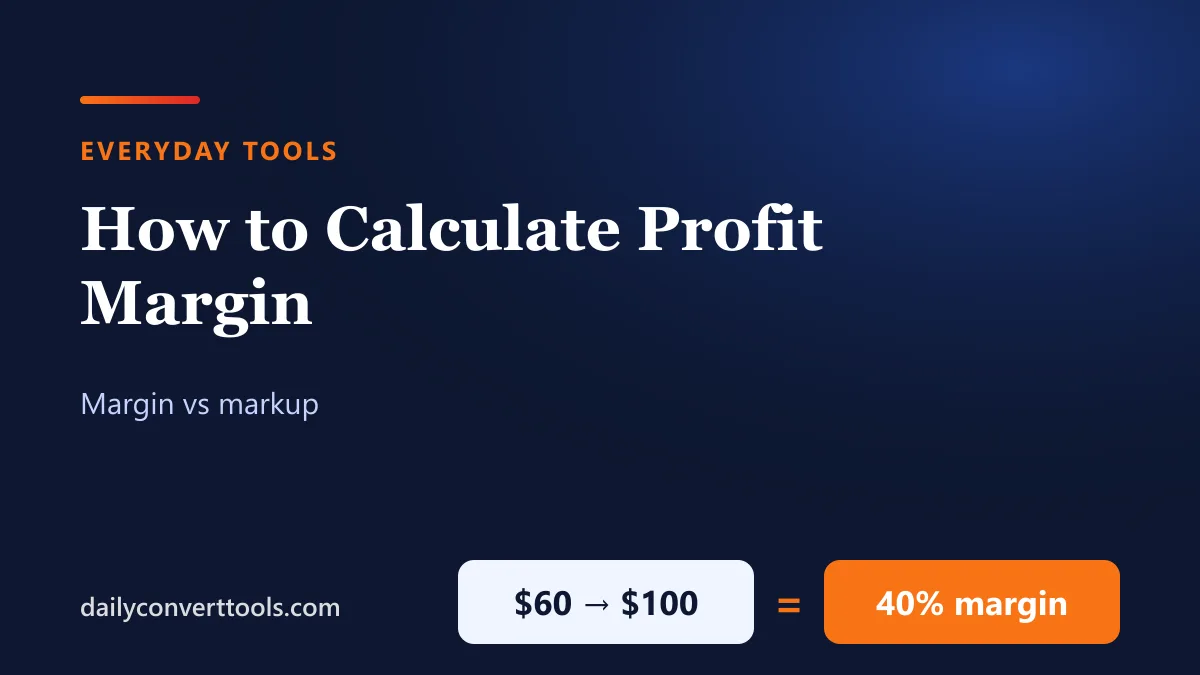
- Example: cost $60, price $100. Profit $40, margin 40%, markup 66.7%.
Margin vs markup chart
| Markup | Margin |
|---|---|
| 10% | 9.1% |
| 20% | 16.7% |
| 25% | 20.0% |
| 33.33% | 25.0% |
| 50% | 33.3% |
| 75% | 42.9% |
| 100% | 50.0% |
| 150% | 60.0% |
| 200% | 66.7% |
Convert between them: margin = markup ÷ (1 + markup) and markup = margin ÷ (1 − margin), using decimals. A 100% markup (doubling the cost) is a 50% margin.
Pricing for a target margin
To hit a margin, divide the cost by (1 − margin): for a 35% margin on a $26 cost, price = 26 ÷ 0.65 = $40.00. Don’t just add 35% to the cost: 26 × 1.35 = $35.10 gives a margin of only 25.9%.
Gross vs net margin
- Gross margin uses only the direct cost of the product (materials, wholesale price).
- Operating margin also subtracts running costs like rent, wages and marketing.
- Net margin subtracts everything, including tax and interest, and is the true bottom line.
Worked example for a small shop
| Item | Amount |
|---|---|
| Selling price | $45.00 |
| Product cost | $18.00 |
| Platform and payment fees | $4.50 |
| Shipping you pay | $6.00 |
| Profit | $16.50 |
| Margin | 36.7% |
Including fees and shipping turns a tempting 60% gross margin into about 37%.
For percentages in general, see how to calculate a percentage; for sale prices, see how to calculate a discount.
Frequently asked questions
How do I calculate profit margin?
Subtract cost from price, divide by price, and multiply by 100.
What’s the difference between margin and markup?
Margin divides profit by the selling price; markup divides profit by the cost.
What margin is a 50% markup?
33.3%.
How do I price for a 40% margin?
Divide the cost by 0.60.