Pixels to Inches: DPI, PPI and Print Size Chart
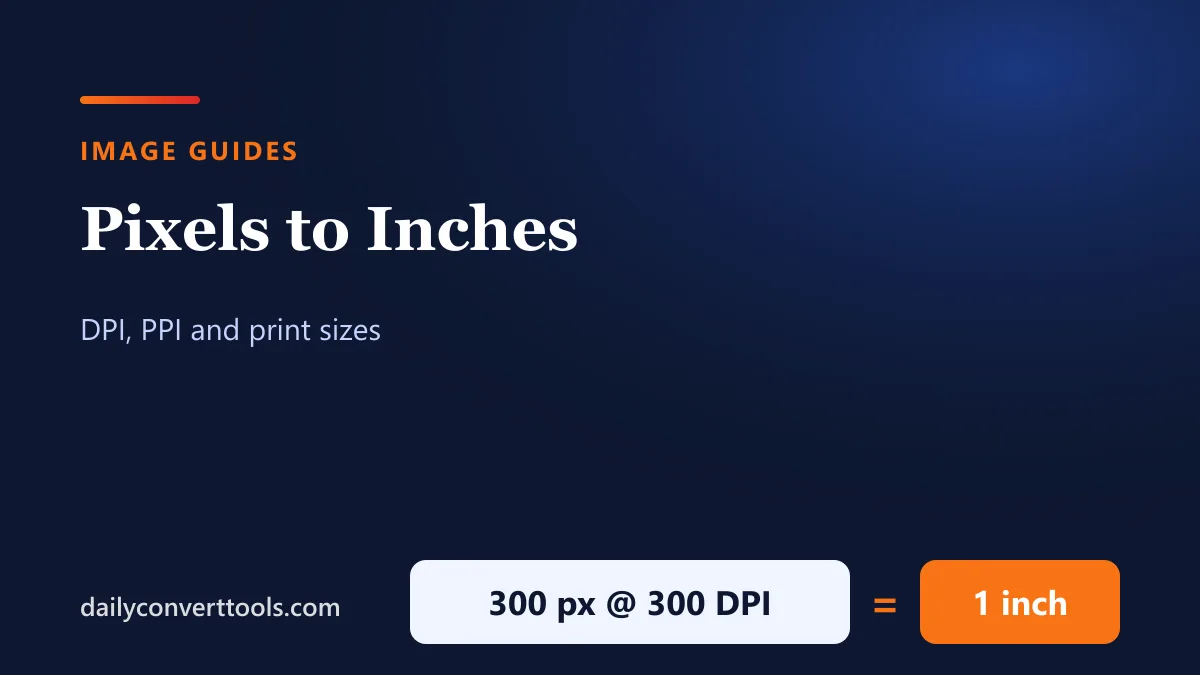
Pixels have no fixed physical size: how many inches an image covers depends on how densely the pixels are printed or displayed. The formula is simple: inches = pixels ÷ pixels per inch.
Quick answer
- inches = pixels ÷ DPI (or PPI)
- pixels = inches × DPI
- For quality photo prints, 300 DPI is the common target: 3,000 px prints at 10 inches.
Print size chart
| Print size (inches) | Pixels at 300 DPI | Pixels at 150 DPI |
|---|---|---|
| 4 × 6 | 1,200 × 1,800 | 600 × 900 |
| 5 × 7 | 1,500 × 2,100 | 750 × 1,050 |
| 8 × 10 | 2,400 × 3,000 | 1,200 × 1,500 |
| 8.5 × 11 | 2,550 × 3,300 | 1,275 × 1,650 |
| 11 × 14 | 3,300 × 4,200 | 1,650 × 2,100 |
| 11 × 17 | 3,300 × 5,100 | 1,650 × 2,550 |
| 16 × 20 | 4,800 × 6,000 | 2,400 × 3,000 |
| 24 × 36 | 7,200 × 10,800 | 3,600 × 5,400 |
150 DPI is often fine for posters viewed from a distance; 300 DPI suits photos and documents held in the hand.
Pixels to inches chart
| Pixels | Inches at 72 | at 96 | at 150 | at 300 |
|---|---|---|---|---|
| 300 | 4.17 | 3.13 | 2.00 | 1.00 |
| 600 | 8.33 | 6.25 | 4.00 | 2.00 |
| 1,000 | 13.89 | 10.42 | 6.67 | 3.33 |
| 1,200 | 16.67 | 12.50 | 8.00 | 4.00 |
| 1,920 | 26.67 | 20.00 | 12.80 | 6.40 |
| 2,400 | 33.33 | 25.00 | 16.00 | 8.00 |
| 3,000 | 41.67 | 31.25 | 20.00 | 10.00 |
| 4,000 | 55.56 | 41.67 | 26.67 | 13.33 |
DPI vs PPI
- PPI (pixels per inch) describes an image or screen: how many pixels fill each inch.
- DPI (dots per inch) strictly describes a printer’s ink dots, but in everyday use people say DPI for both.
- Changing an image’s DPI setting doesn’t change its pixels; it only changes how large it prints.
The 96-pixel inch on screens
Web design uses the CSS “reference pixel”: by definition, 1 CSS inch = 96 CSS pixels. That’s why 96 DPI is a common default in design software. High-density phone and laptop screens pack several physical pixels into each CSS pixel, so real screen PPI varies by device.
Resize an image for print or web
To print at a size, work out the pixels you need (inches × 300), then resize. Making an image larger than its original pixels won’t add real detail, so start with the highest-resolution original you have.
Frequently asked questions
How many pixels is an inch?
It depends on the resolution: 300 pixels at 300 DPI, 96 at the CSS standard, 72 at 72 DPI.
What size is 1920 × 1080 in inches?
At 300 DPI, 6.4 × 3.6 inches. At 96 DPI, 20 × 11.25 inches.
How many pixels is a 4×6 photo?
1,200 × 1,800 pixels at 300 DPI.
Does changing DPI reduce quality?
No. Changing the DPI value only changes the print size. Resizing the pixels is what affects quality.