How to Calculate Age (in Years, Months and Days)
An age calculator tells you exactly how old someone is in years, months and days. Doing it yourself takes a minute once you know the method, and spreadsheets have a built-in function for it.
Quick answer
- Subtract the birth year from the current year.
- If the birthday hasn’t happened yet this year, subtract 1.
- For months and days, count forward from the last birthday.
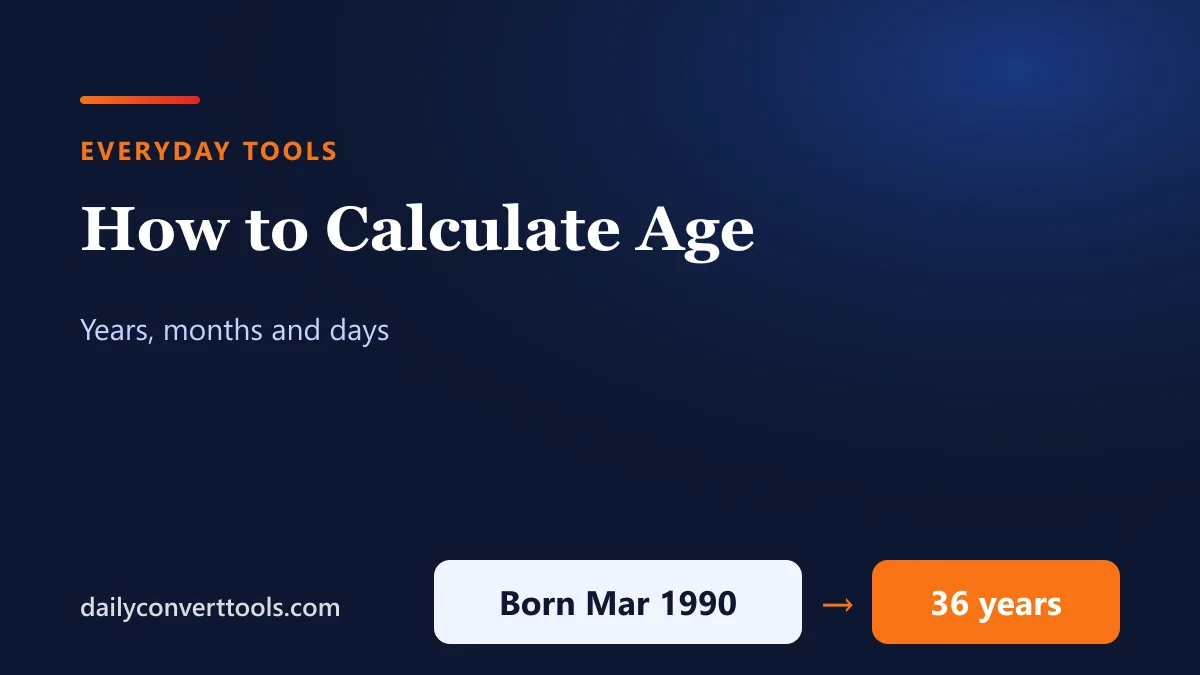
Example: someone born on 15 March 1990 is 36 years, 8 months and 3 days old on 18 November 2026.
Step-by-step example
- First, years: 2026 − 1990 = 36. The birthday (15 March) has passed, so the age is 36.
- Next, months: from 15 March to 15 November 2026 is 8 months.
- Finally, days: from 15 November to 18 November is 3 days.
Age in days, weeks and months
| Unit | Age on 18 Nov 2026 (born 15 Mar 1990) |
|---|---|
| Days | 13,397 |
| Weeks | 1,913 weeks and 6 days |
| Months | 440 months and 3 days |
In Excel or Google Sheets
- Years:
=DATEDIF(A1, TODAY(), "Y") - Remaining months:
=DATEDIF(A1, TODAY(), "YM") - Remaining days:
=DATEDIF(A1, TODAY(), "MD") - Total days:
=TODAY()-A1
Put the date of birth in A1. DATEDIF isn’t listed in Excel’s function menu, but it works when typed.
Leap-day birthdays
People born on 29 February have a calendar birthday only in leap years. In other years, many celebrate on 28 February or 1 March, and the legal rule for when someone turns a given age varies by country. For leap-year rules, see how many days in a year.
Age differences between people
To find how much older one person is than another, use the same method with both birth dates instead of today’s date. For the number of days between any two dates, see days between dates.
Frequently asked questions
How do I calculate my exact age?
Subtract your birth year from this year, take off 1 if your birthday hasn’t come yet, then count months and days since your last birthday.
How do I calculate age in Excel?
Use =DATEDIF(A1, TODAY(), “Y”) with the birth date in A1.
How many days old am I?
Subtract your birth date from today’s date; in a spreadsheet, =TODAY()-A1.
How old is someone born in 2000?
In 2026 they turn 26; before their birthday they’re 25.